
Using Messages to comment on a contract
Messages is your inbox of comment threads on contracts — a way to see, in one place, every contract where you or a collaborator left a comment. This article covers what's in Messages and how it connects back to the contract editor.
Note: Messages is comments between people with Done-Deal accounts — you, your team, and anyone else with access to the contract. It is not a chat channel with your buyer or seller clients; see the Client Portal and property portal links for what clients can see.
Where comments come from
Comments are left directly on a contract, not in Messages itself. Open a contract's draft view and click Comments to open the comments drawer, where you and anyone else with access to that contract can leave notes back and forth — for example, flagging a field that needs a second look, or asking a team lead a question about a clause.
The Messages inbox
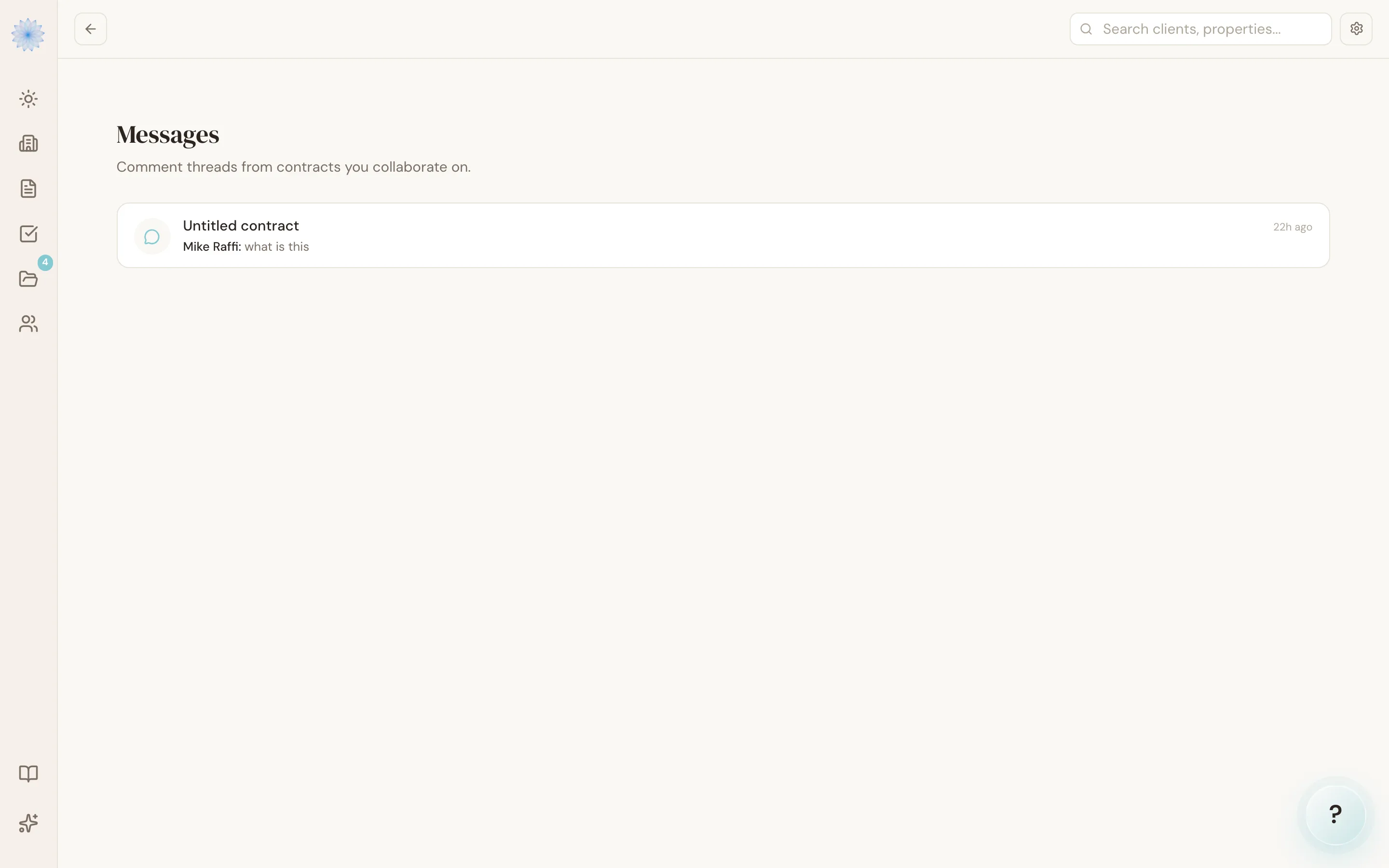
Open Messages from the sidebar to see a list of threads, one per contract, sorted by most recent activity. Each row shows:
- The property address for that contract
- Who left the most recent comment and a preview of what they said
- How long ago it was posted
Clicking a thread takes you straight to that contract's draft view with the comments drawer already open, so you can read the full conversation and reply.
FAQ
Can my buyer or seller see or post in Messages?
No. Only people with a Done-Deal agent account and access to the contract can view or post comments. Clients never see this inbox.
How many threads does Messages show?
Up to 30 of your most recently active contract comment threads.
I don't see a contract I commented on — why?
Messages shows the most recent comment per contract, ranked by activity. If you have many active comment threads, an older one can scroll off the list as newer ones come in.
Related articles
Still stuck?
Email support@done-deal.co and a real person will get back to you — usually the same business day.