
Recovering deleted items from Trash
Some deleted records in Done-Deal aren't gone right away — they sit in Trash for a window of time so you can bring them back if you deleted the wrong thing. This article covers the Trash page.
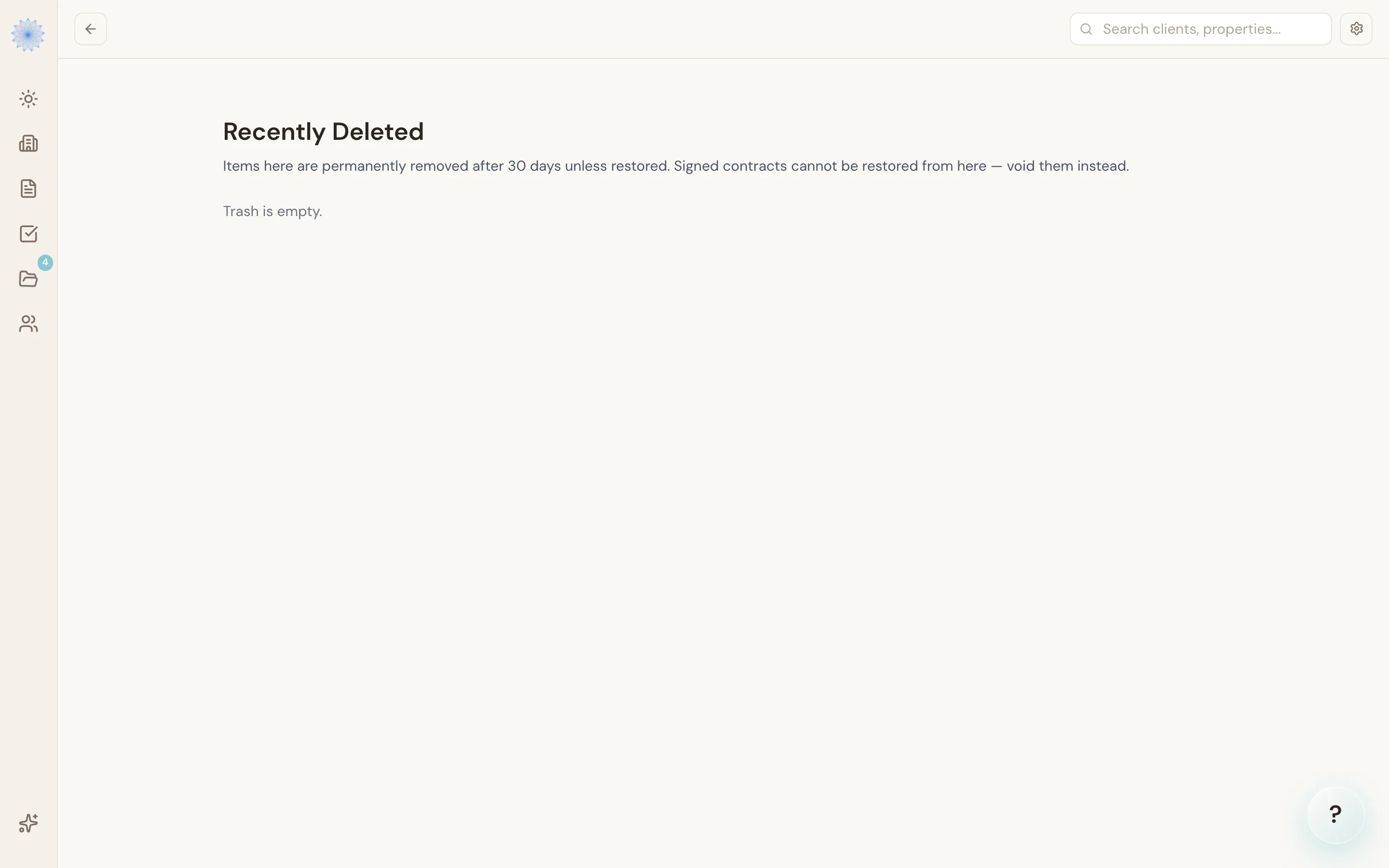
What's in Trash
Open Trash from the sidebar. Items are grouped by type: Transactions, Contracts, Documents, Tasks, and Parties. Each entry shows when it was deleted and a countdown badge — "X days left," "Past due" if the window has lapsed but it hasn't been purged yet, or "No expiry."
Note: Items here are permanently removed after 30 days unless restored. Signed contracts cannot be restored from here — void them instead.
Restoring an item
Click Restore next to any entry to bring it back. Restoring a transaction does not automatically restore its documents, tasks, or parties if those were deleted separately — restore each one you need individually.
FAQ
How long do I have to restore something?
30 days from the deletion date, shown as a countdown badge on each entry.
What happens after 30 days?
Once the restore window passes, the item is eligible for permanent removal and can no longer be brought back from Trash.
I deleted a signed contract — can I get it back here?
No. Signed contracts aren't restorable from Trash. Void the contract instead of trying to restore it.
Why can't I find a transaction I archived?
Archiving a transaction (from its Delete button on the detail page) is a different action from the file-level deletes that land in Trash — an archived transaction moves out of your active Board and Transactions list rather than appearing here. See Editing and managing a transaction.
Related articles
Still stuck?
Email support@done-deal.co and a real person will get back to you — usually the same business day.