
Managing your Contacts address book
Contacts is your personal, reusable address book — separate from the buyers, sellers, and vendors you attach to a specific transaction. This article covers the Contacts page and how it relates to a transaction's Parties.
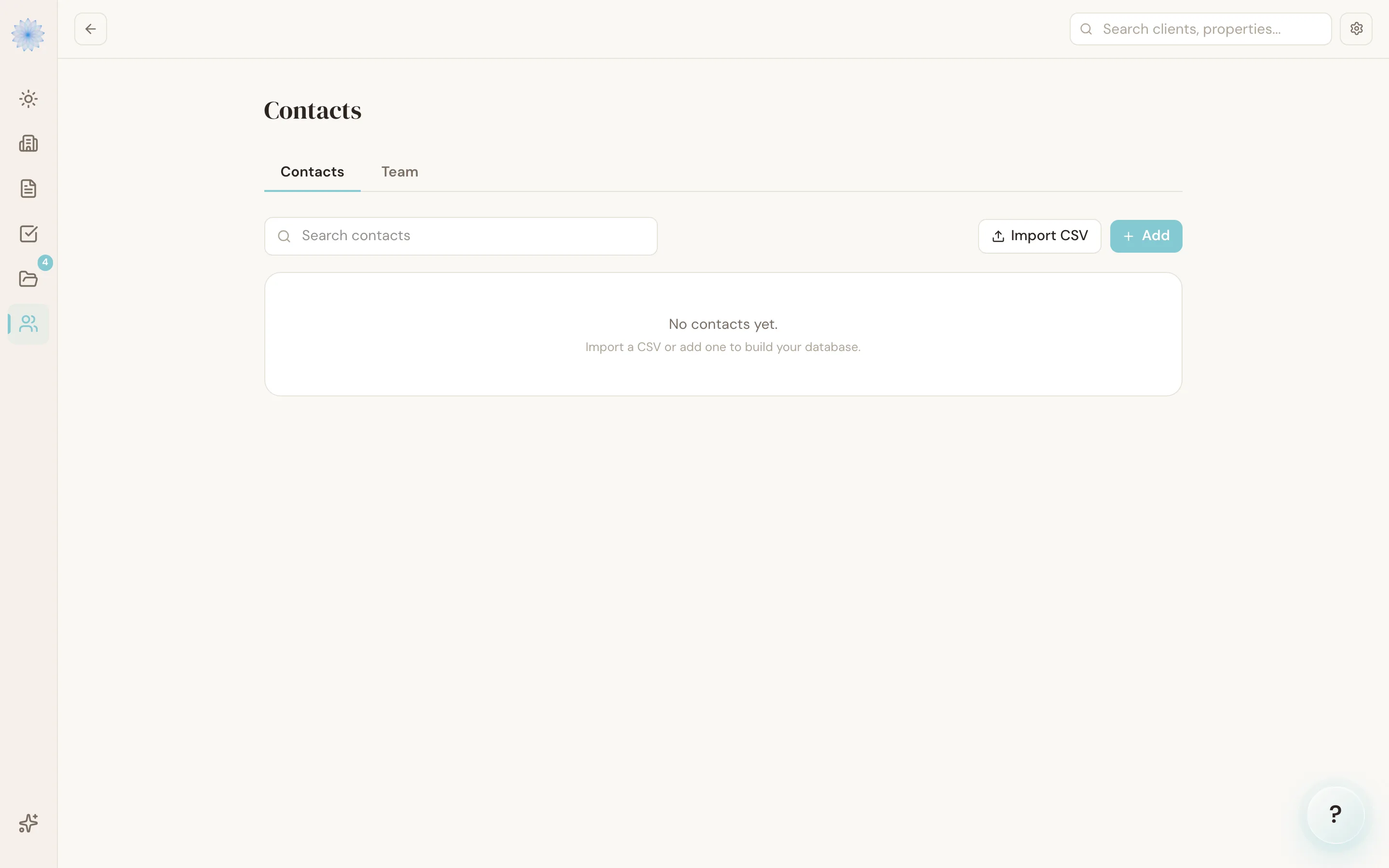
The Contacts page
Open Contacts from the sidebar. It has two tabs: Contacts (your address book) and Team (your brokerage's team management, covered elsewhere).
On the Contacts tab you can:
- Search — filter your list by name as you type.
- Add a contact — click Add, fill in name (required), type, email, phone, and company, then click Save contact. Contact types include Buyer, Seller, Buyer's Agent, Seller's Agent, Lender, Title, Inspector, Appraiser, HOA, Client, and Other.
- Import CSV — click Import CSV, paste rows with columns
name(required),type,email,phone,company, andlicense, then click Preview. Done-Deal shows how many rows are ready to import and flags any it will skip, before you click Import to confirm. - Delete a contact — click the trash icon next to any row.
Tip: Paste your CSV and preview it before importing. The preview shows exactly how many rows are valid and lists any warnings, so you can fix your file before anything is saved.
Start a transaction from a contact
You can begin a new transaction from a person you already have in Contacts, before you have a property address. On the New Transaction page, use the contact search at the top. See Editing and managing a transaction for the steps.
Open a contact to see a Transactions section listing the transactions linked to that person. A transaction with no address yet shows No address yet in that list.
How this differs from a transaction's Parties
Adding someone to your Contacts address book does not add them to a transaction on its own, and adding a party to a transaction does not add them to your Contacts. They're two separate lists:
- Contacts is your personal address book, reusable across every transaction.
- Parties (buyer, seller, agents, lender, title, and so on) are added directly on each transaction's detail page, and only apply to that one deal — see Editing and managing a transaction.
The one place they connect: when you add a vendor-type party (HOA, title, lender, or inspector) to a transaction, Done-Deal also saves that vendor to a brokerage-shared autocomplete list, so other agents at your brokerage see it as a suggestion next time — but this is separate from your personal Contacts list.
FAQ
Can I pick someone from Contacts when I create a transaction?
Yes. On the New Transaction page, search for the contact at the top of the form. Done-Deal fills in the buyer or seller name for you. When you add other parties later (lender, title, and so on), you still enter their details directly on the transaction.
What happens to invalid rows in a CSV import?
They're skipped and listed as warnings in the preview — only valid rows get imported when you confirm.
Is the Team tab the same as Contacts?
No. Team covers your brokerage's agent roster and roles. Contacts is your personal address book of clients and vendors.
Related articles
Still stuck?
Email support@done-deal.co and a real person will get back to you — usually the same business day.