
Signing any PDF with Custom Sign
Custom Sign lets you send any PDF out for e-signature — a lender document, an HOA form, a listing addendum your brokerage uses, anything that isn't one of Done-Deal's own CREC forms. Go to Forms/Contracts in the sidebar and click Sign a PDF to start.
The request is built in four steps.
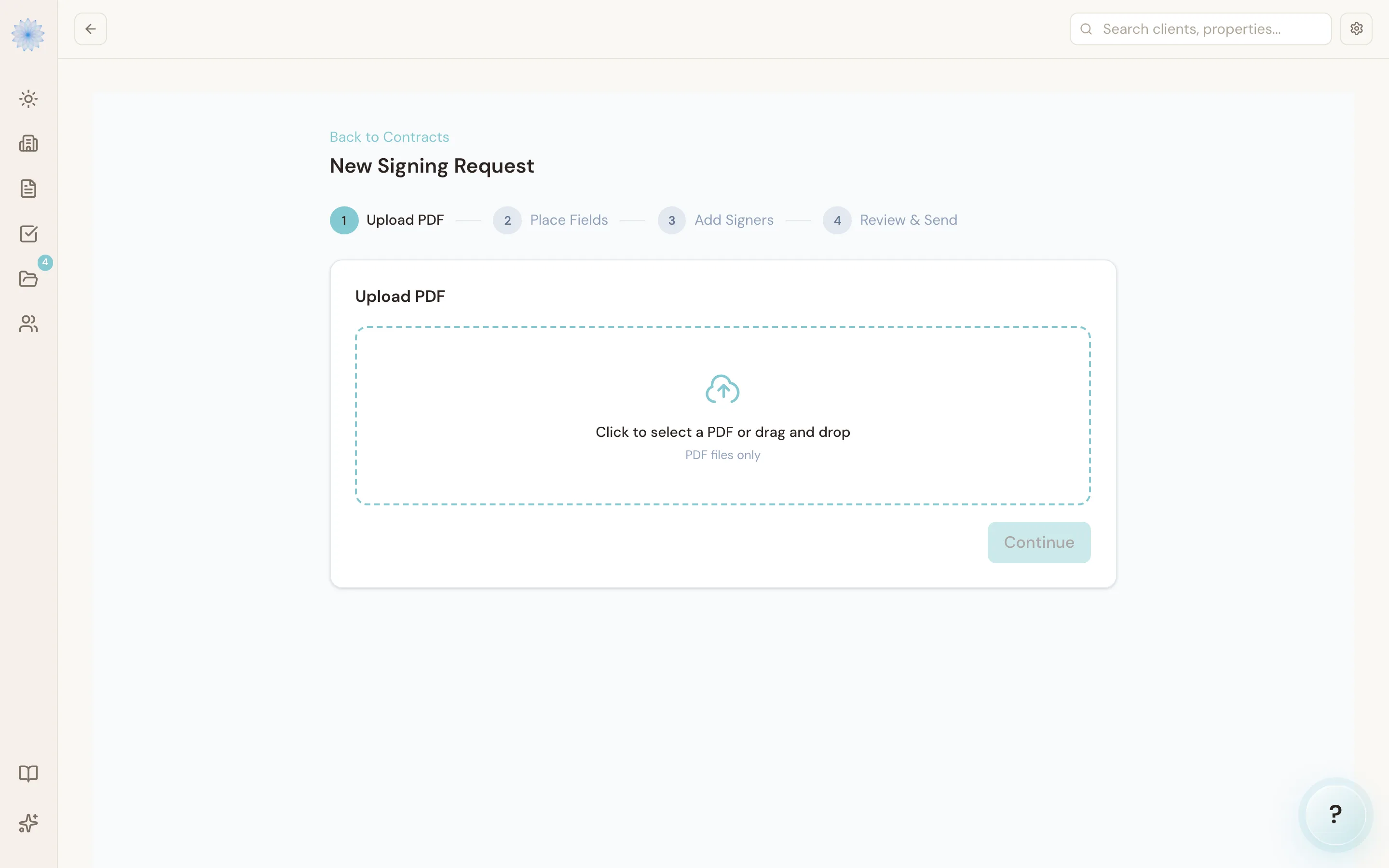
Step 1: Upload PDF
Click to select a PDF, or drag and drop one onto the upload area. Only PDF files are accepted. Once it uploads, you'll see the file name and page count. Click Continue.
Step 2: Place Fields
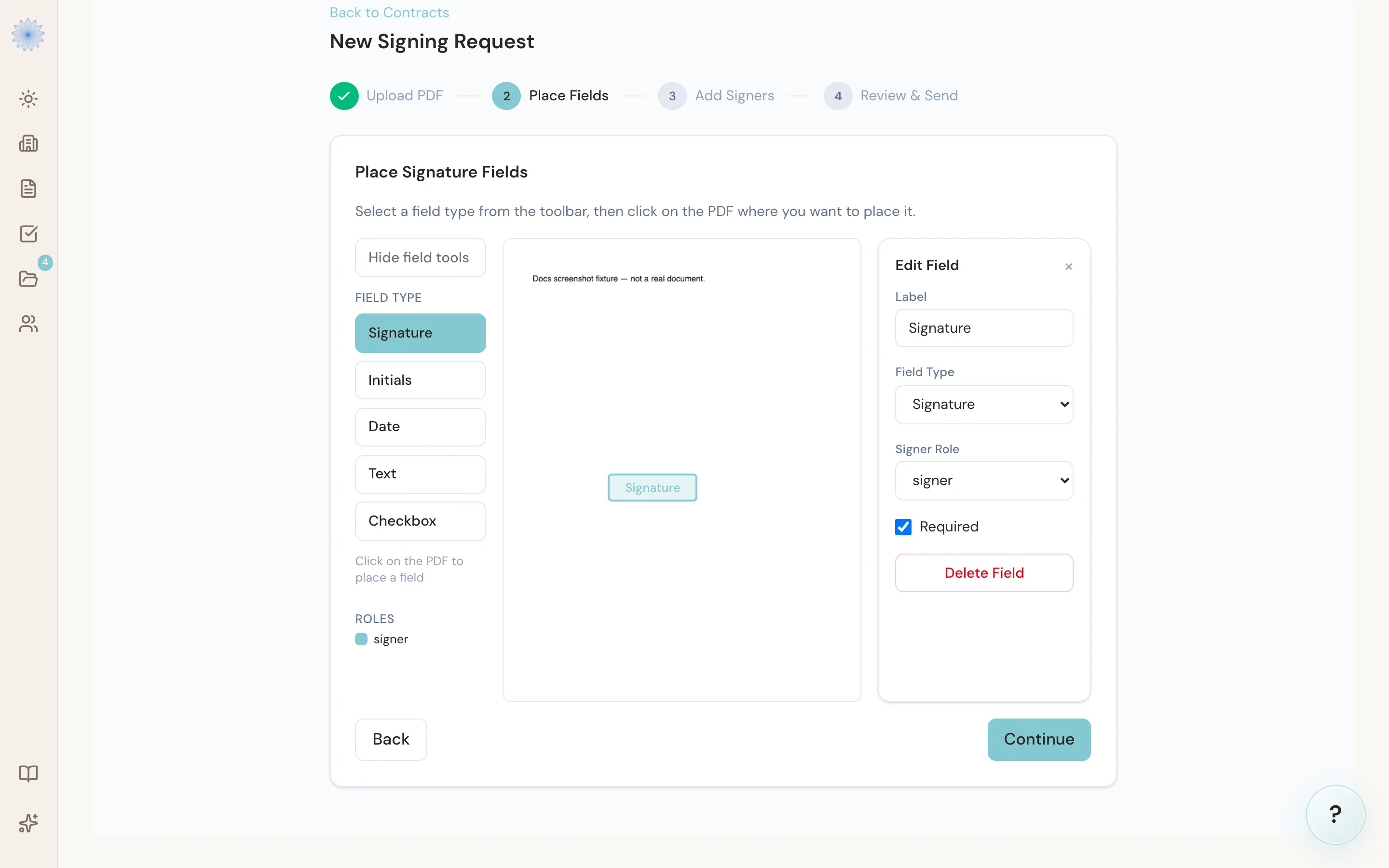
Select a field type from the toolbar, then click on the PDF where you want it to appear — a preview box follows your cursor so you can see exactly where it will land. Available field types:
- Signature
- Initials
- Date
- Text
- Checkbox
After placing a field you can drag it to reposition it, or drag the corner handle to resize it. Clicking a placed field opens a small editor next to it where you set who signs it, whether it's required, and (for text fields) the label the signer sees. Press Delete to remove the selected field.
Each field is assigned to a signer role, so you control exactly which signer sees and fills which fields. You need to place at least one field before continuing.
Step 3: Add Signers
Add each person who needs to sign:
- Full Name and Email (required).
- Phone (optional).
- Role — type a role, or pick one you already used when placing fields in Step 2.
- Click + Add another signer for more people.
Note: If a signer's role has no fields assigned to it, Done-Deal warns you before you continue — that signer would get a link but nothing to actually sign.
Step 4: Review & Send
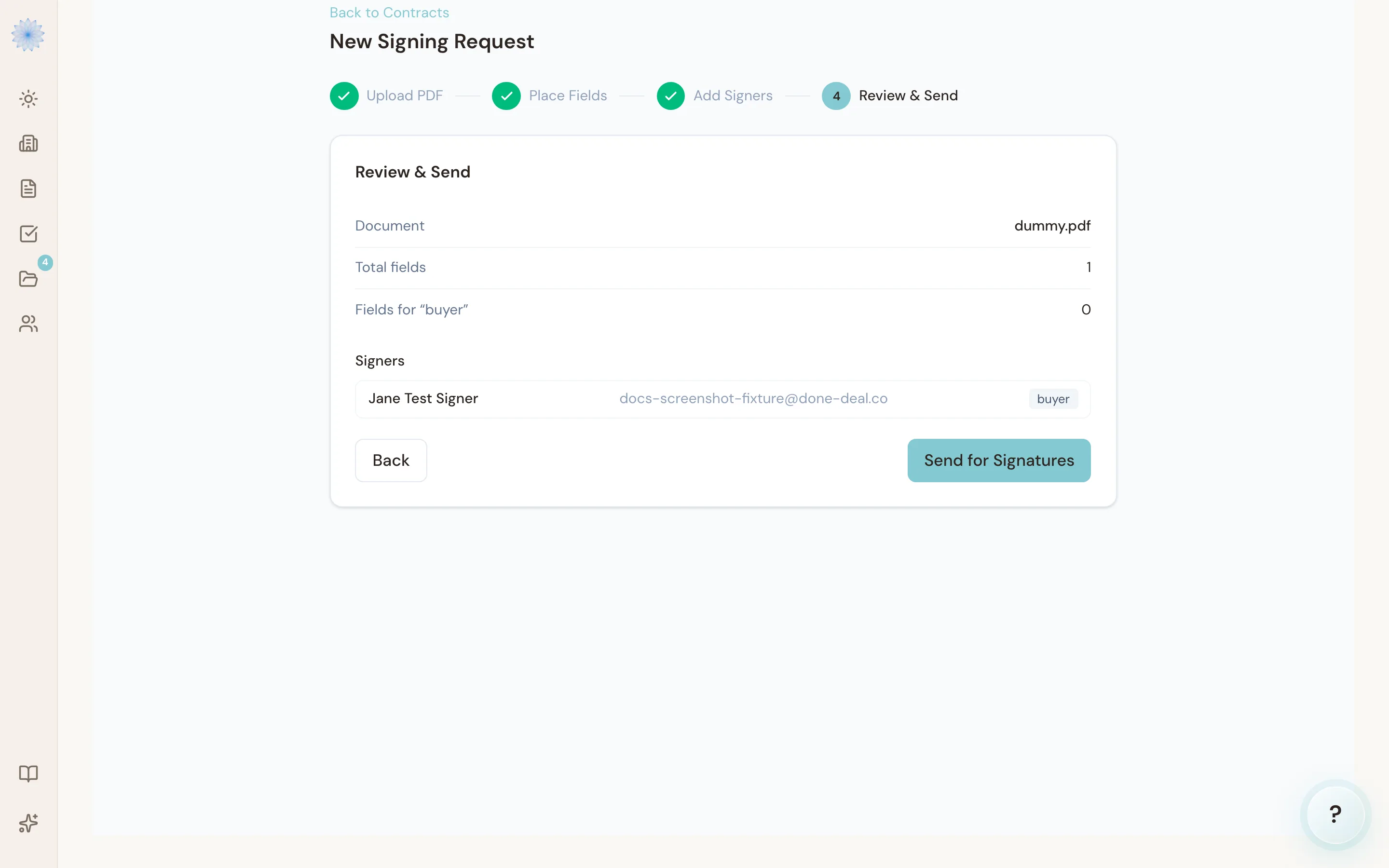
Review the document name, total field count, how many fields each role has, and the full signer list. Click Send for Signatures to send.
What happens after you send
Each signer gets an emailed link, valid for 14 days, to a signing page that works the same way as any other Done-Deal signing link — no account or login needed on their end. See What the signer sees when you send a contract for what they'll walk through. On the signing page, they see the uploaded PDF with only their assigned fields overlaid and ready to fill in.
If a signer hasn't completed their fields yet, you can send them a reminder from the Documents page, which resends their signing link. You can also void a signing request if you need to cancel it — you'll be asked for a reason.
FAQ
Can I use Custom Sign for a Done-Deal form like a CBS1?
You can, but it's built for documents outside Done-Deal's own form library. For a CBS1, CP41, AE41, or any other Done-Deal form, use Sending a contract for signature instead — it fills in required fields and runs compliance checks that Custom Sign doesn't.
How many signers can I add?
Up to 10 signers per signing request.
What if I'm one of the signers myself?
Add yourself as a signer using the email on your Done-Deal account. When you click Send for Signatures, you skip the email round-trip entirely — Done-Deal takes you straight to your own signing screen, and only the other signers get emailed. A request where you're the only signer sends no email at all.
Can two people share the same signature fields?
No — every field you place is assigned to one signer role. If two people need to sign the same document, place a separate set of fields for each role.
Is text-message verification available for Custom Sign too?
Yes. If you've turned on SMS verification for your account, it applies to Custom Sign signers the same way it applies to contract signers.
Related articles
Still stuck?
Email support@done-deal.co and a real person will get back to you — usually the same business day.