
Using the Today page
Today is a quick-glance dashboard: your active transactions, the handful of AI actions that most need your attention, and shortcuts to the things you do most often. Open it from the sidebar.
Note: On some accounts, this content appears on a page called Home instead of Today. They cover the same information.
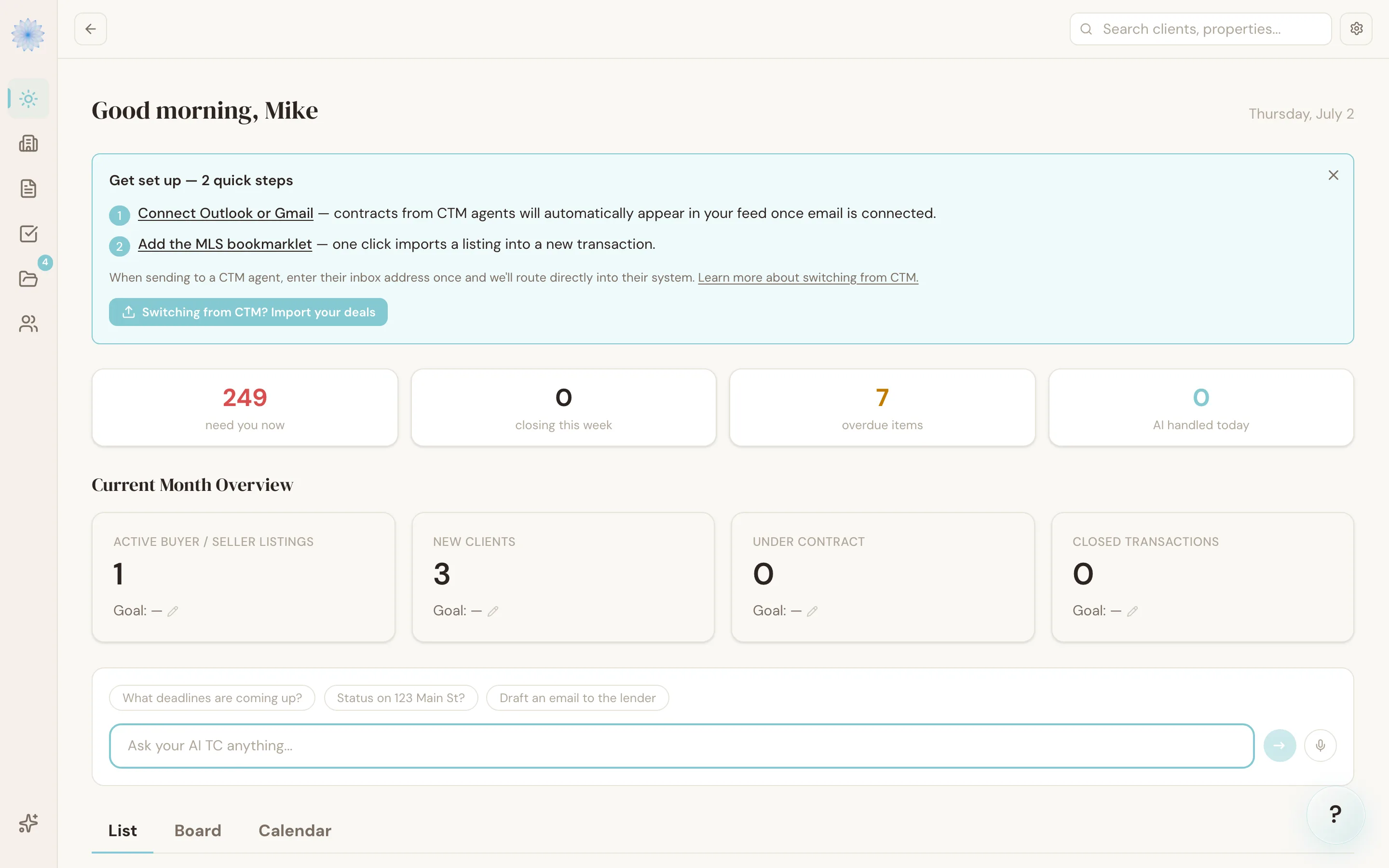
Your Transactions
The top panel lists your active transactions (closed and archived transactions are left off this list), each with:
- The property address and mutual execution of contract (MEC) date
- A stage badge
- A progress bar showing what share of the transaction's tasks are complete
Click View all to go to the full Transactions list, or click any row to open that transaction.
Today's Priorities
If you have the AI TC add-on, this panel shows your top 3 pending items from the Feed, ordered by risk — high-risk items first. Click Review in Feed to see the rest and take action.
Without the AI TC add-on, this panel is replaced with an upgrade prompt instead of AI-generated priorities.
Quick Actions
Two buttons for the most common next steps:
- New Transaction — start a new deal
- Open Feed — jump straight to the Feed
FAQ
Why don't I see any transactions on this page?
The panel only shows active deals. If everything you have is closed or archived, add a new transaction to get started — the panel includes a shortcut to do that.
How many priority items show here?
Up to three, sorted with high-risk items first. See the full list in the Feed.
Related articles
Still stuck?
Email support@done-deal.co and a real person will get back to you — usually the same business day.