
Using search and managing notifications
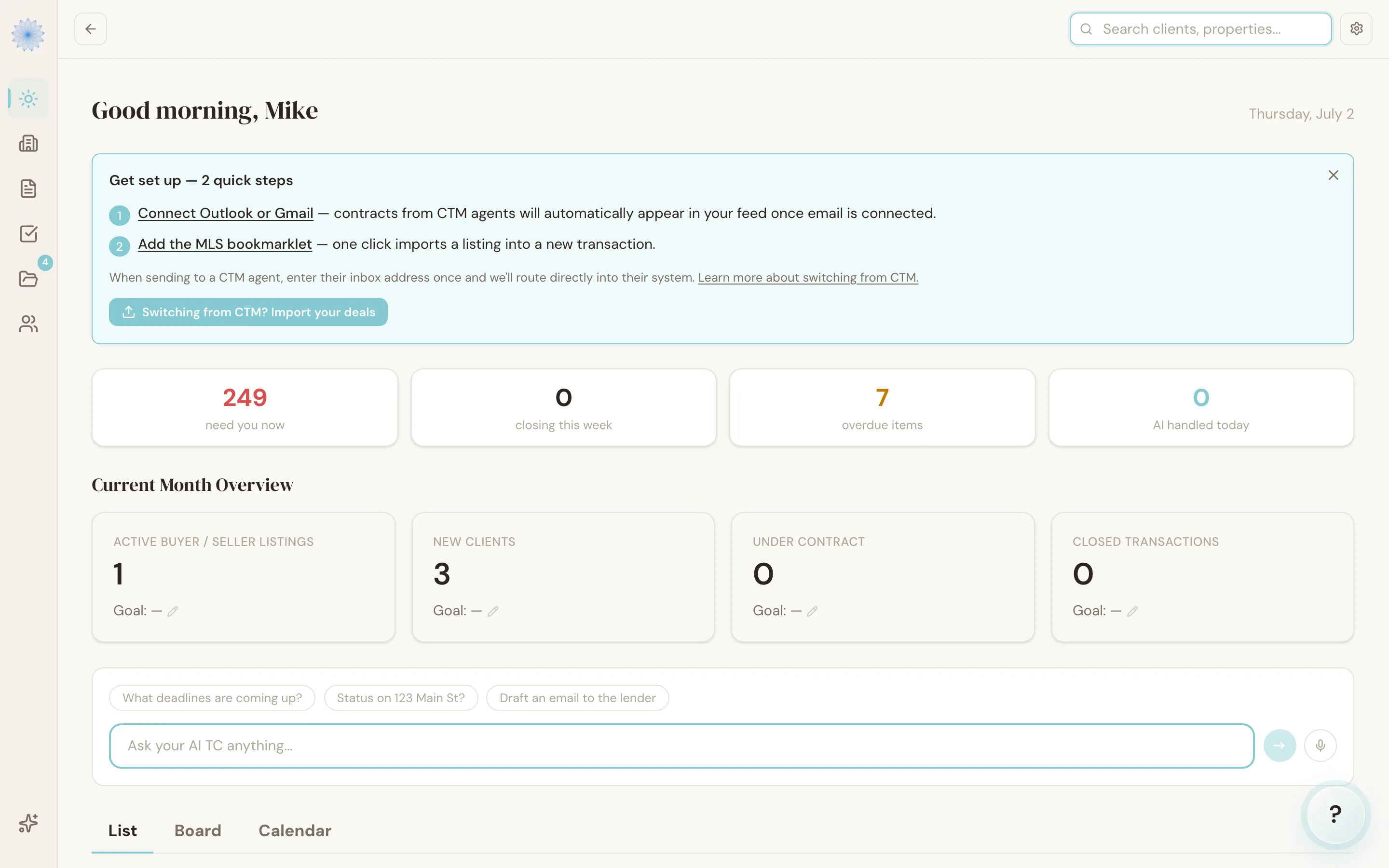
Done-Deal has a search box in the top navigation for finding a property or contact fast, and a set of notification toggles in Settings for choosing which events email you. This article covers both.
Global search
Click the search box at the top of the app and start typing a property address, client name, or email. Search starts after 2 characters and updates as you type.
Results appear in a dropdown, grouped by type:
- Properties — matching transactions, with their current stage shown as a badge. Click one to open that transaction.
- People — matching parties (clients, co-op agents, lenders, title reps) with their role and email. Click one to open the transaction they're attached to.
If nothing matches, the dropdown shows No matches. Press Escape or click outside the box to close it.
Note: Search covers your whole brokerage, not just your own transactions — useful for finding a colleague's deal when you're covering for them.
Notifications
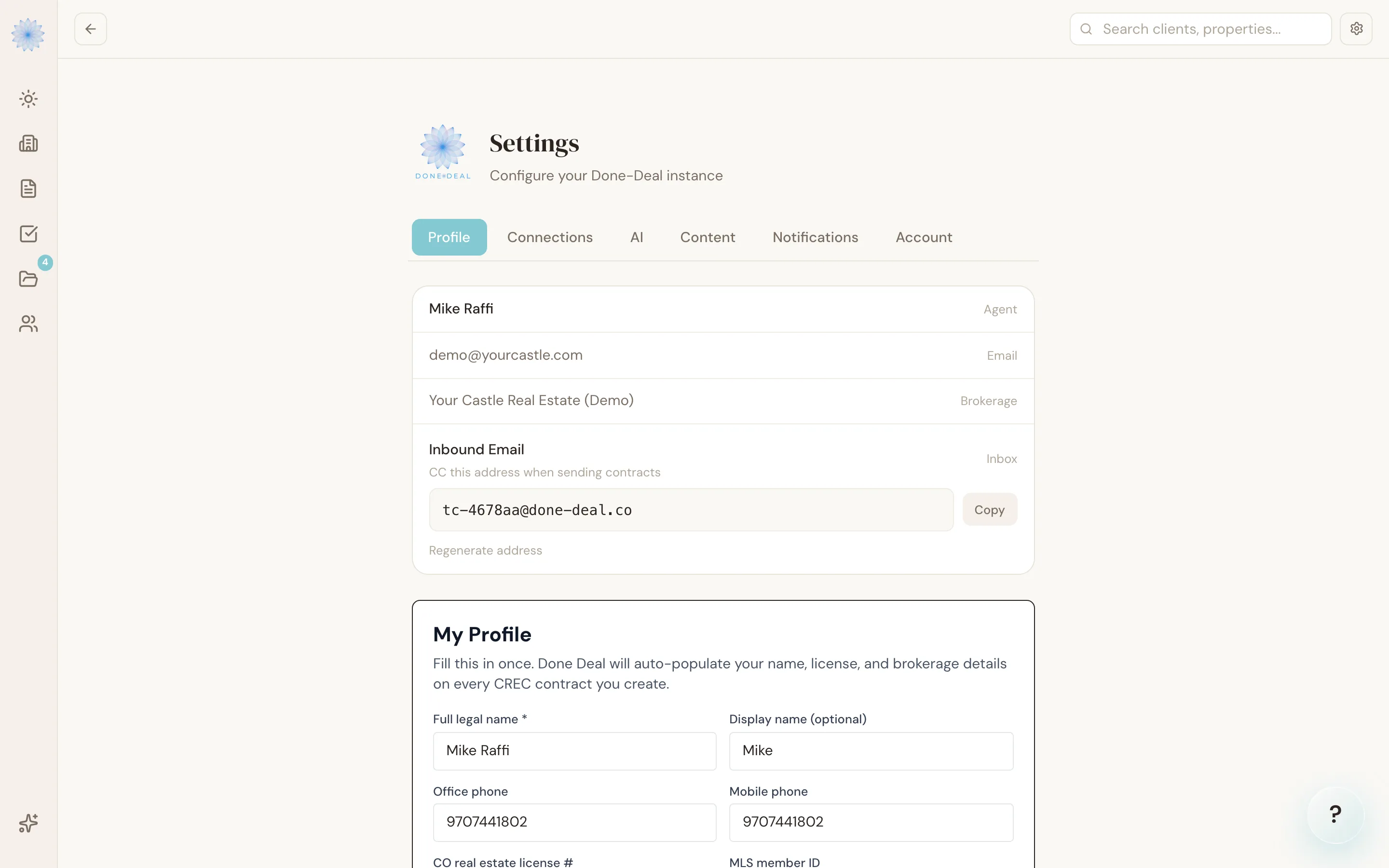
Go to Settings → Notifications to choose which events send you an email. Every toggle is on by default; switch any of them off to stop that email. Changes save immediately — there's no separate save button.
| Notification | What it emails you about |
|---|---|
| Deadline approaching | A critical deadline is coming up |
| Action needs approval | An AI action is waiting for your review |
| Contract sent | A contract went out to a party for signature |
| Contract executed | All parties have signed and the contract is executed |
| Document uploaded | A new document was uploaded to a transaction |
| Daily digest | A daily summary of activity across your active transactions |
FAQ
Does search look inside document contents?
No. Search matches property addresses and party names/emails — it doesn't search inside uploaded documents or contract text.
If I turn off a notification, does it stop the underlying action too?
No. Turning off "Action needs approval" emails, for example, doesn't stop Reme from flagging actions in your Feed — it only stops the email. The item still waits for you in the app.
Can I get Telegram alerts instead of email?
Yes, if you've connected Telegram. See Connecting your email for setup. Telegram alerts and email notifications are managed separately.
Why can't I find a transaction that I know exists?
Search only returns transactions in your brokerage. If a colleague's transaction still doesn't show up, confirm the spelling of the address or name you're searching for.
Related articles
Still stuck?
Email support@done-deal.co and a real person will get back to you — usually the same business day.